Beginner's Guide ビギナーズガイド
Grimoire: The Guide to Creation & The Vessel 魔導書:創世の旅路と魂の器の導き
The ultimate goals of the Genesis Ecosystem are:
- Painting your own star on the STAR MAP
- Engraving eternal records in The Hall of Records
To achieve these final goals, you need Creation Credits. Credits are earned by
transmuting (Forging) Genesis Elements into unique Relics.
Summon raw elements at The Well of Elements (Faucet), and trade them via
The
Alchemist (Swap) to collect the exact elements required for the ritual. When all
required elements are collected, enter The Genesis Forge to execute the critical
transmutation and acquire your credits. Finally, utilize your earned credits to bring your celestial
legacy to life in the cosmos!
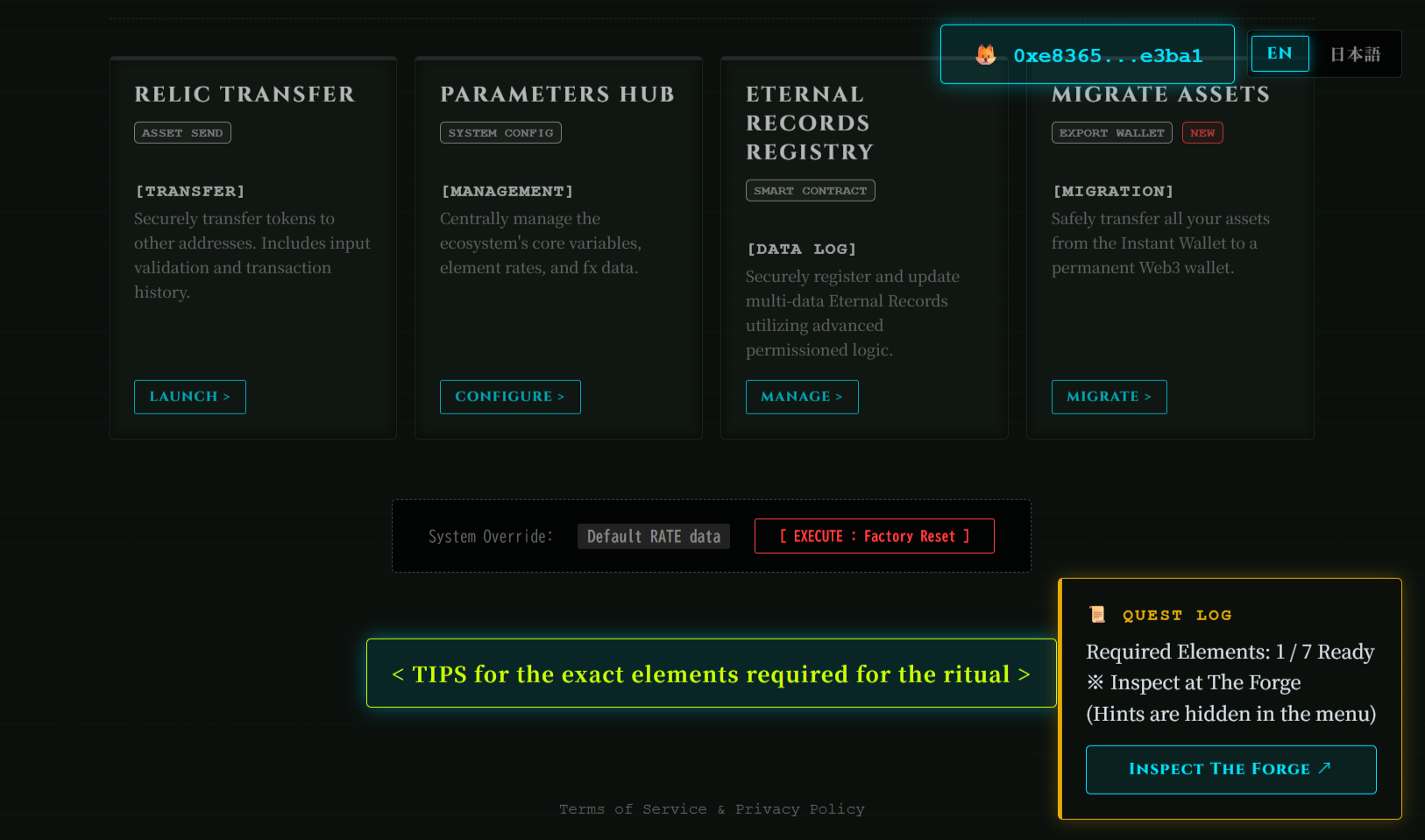
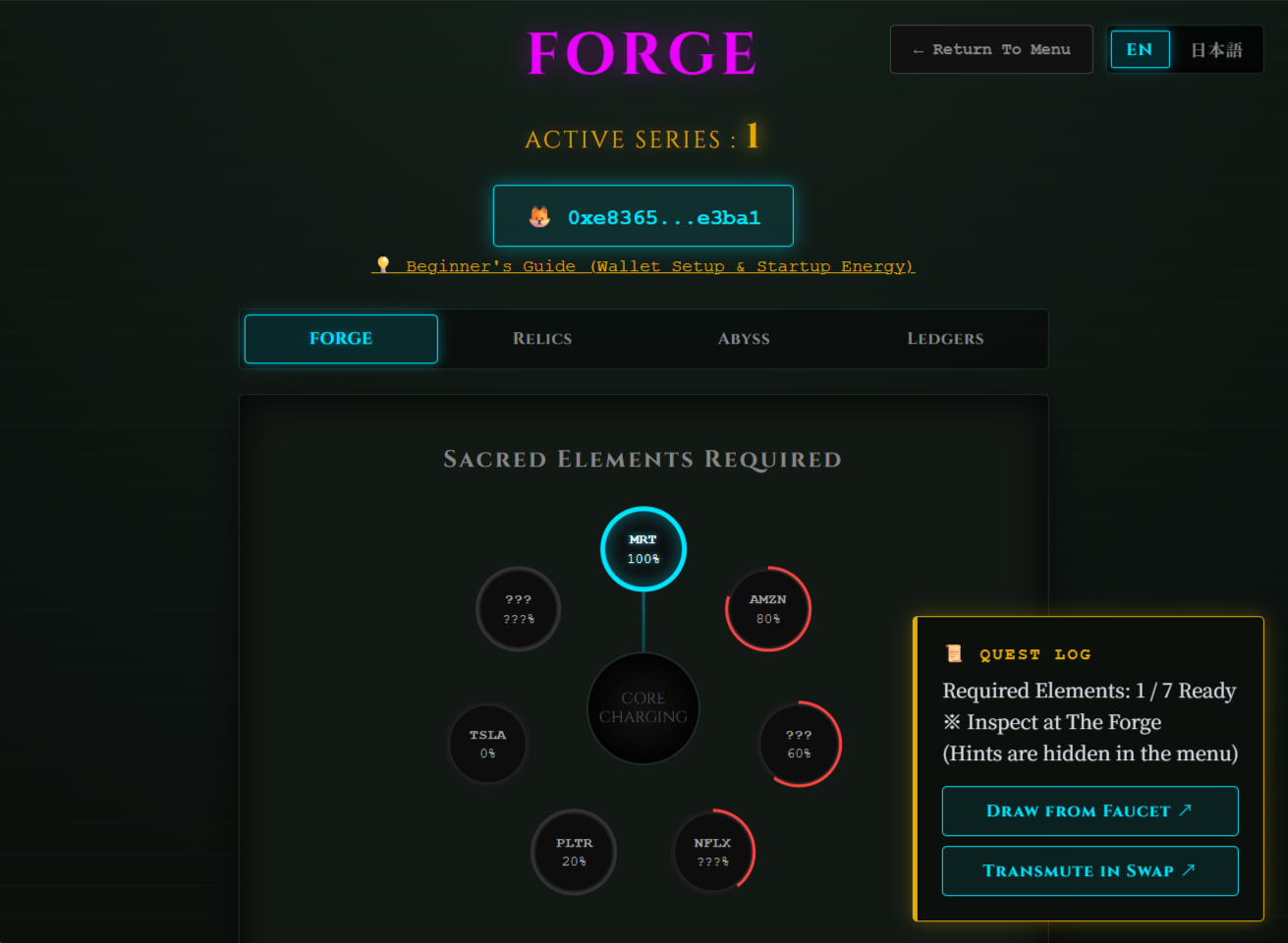
Refer to the following hints to collect the required elements for the Forge ritual:
- The hints at the bottom of the Portal (Menu) page
- The "Sacred Elements Required" on the Forge page
- The Quest Log at the bottom right of the screen
ジェネシスエコシステムの最終目標は以下の2つです:
- STAR MAP【創世の星図】に星を描くこと
- 記録の殿堂(The Hall of Records)に永遠の記録を刻むこと
最終目標を達成するために「クレジット」を獲得しましょう。クレジットは創世のエレメントを超臨界(錬成)させることで獲得できます。
「創世の泉」でエレメントを召喚して「創世の錬金術(魔術師)」で交換して超臨界に必要なエレメントを集めてください。超臨界に必要なエレメントが揃ったら「創世の錬成陣」で超臨界させてクレジットを獲得してください。そして、獲得したクレジットを使ってたくさんの星を描いたり、永遠の記録を刻んで最終目標を達成しましょう!
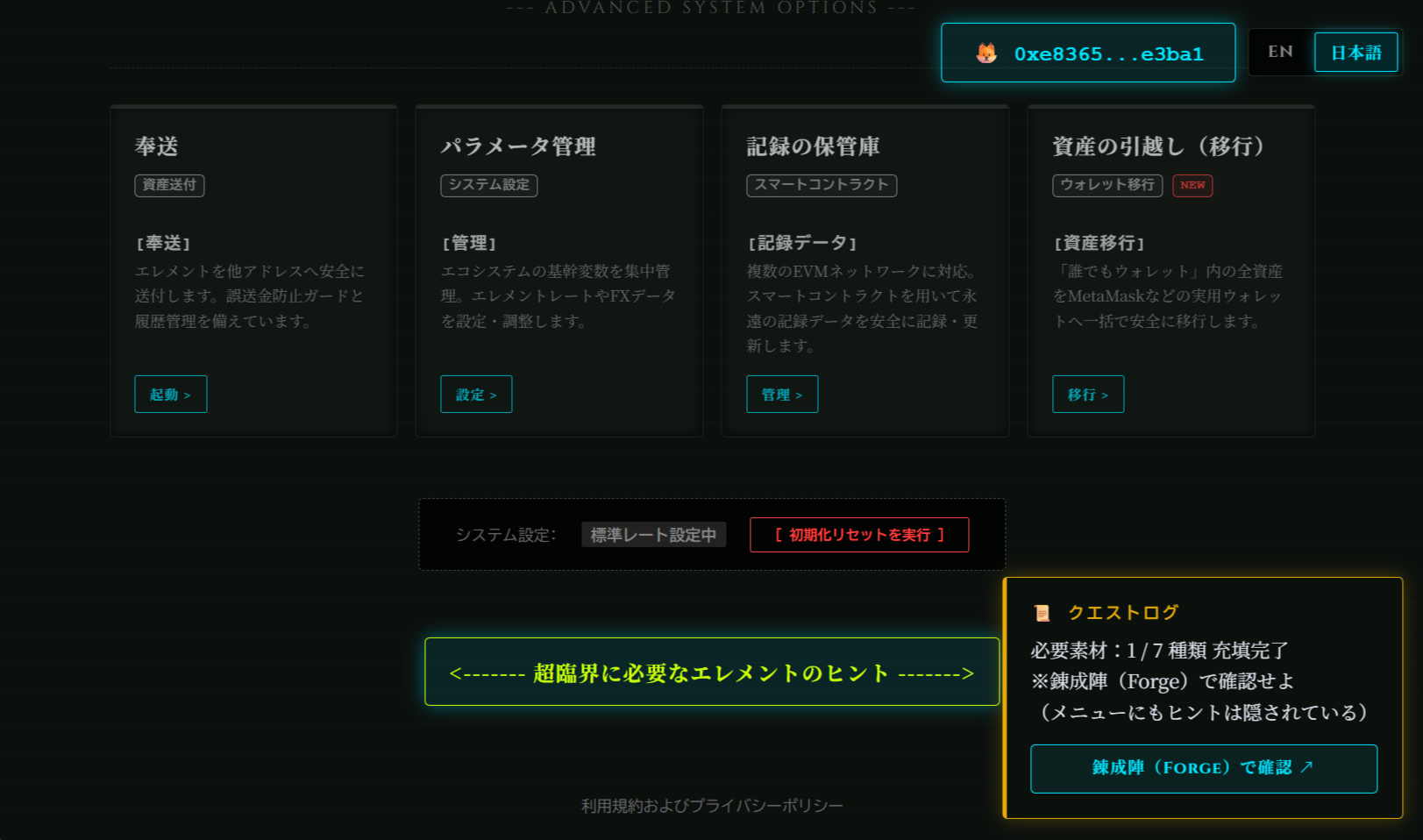
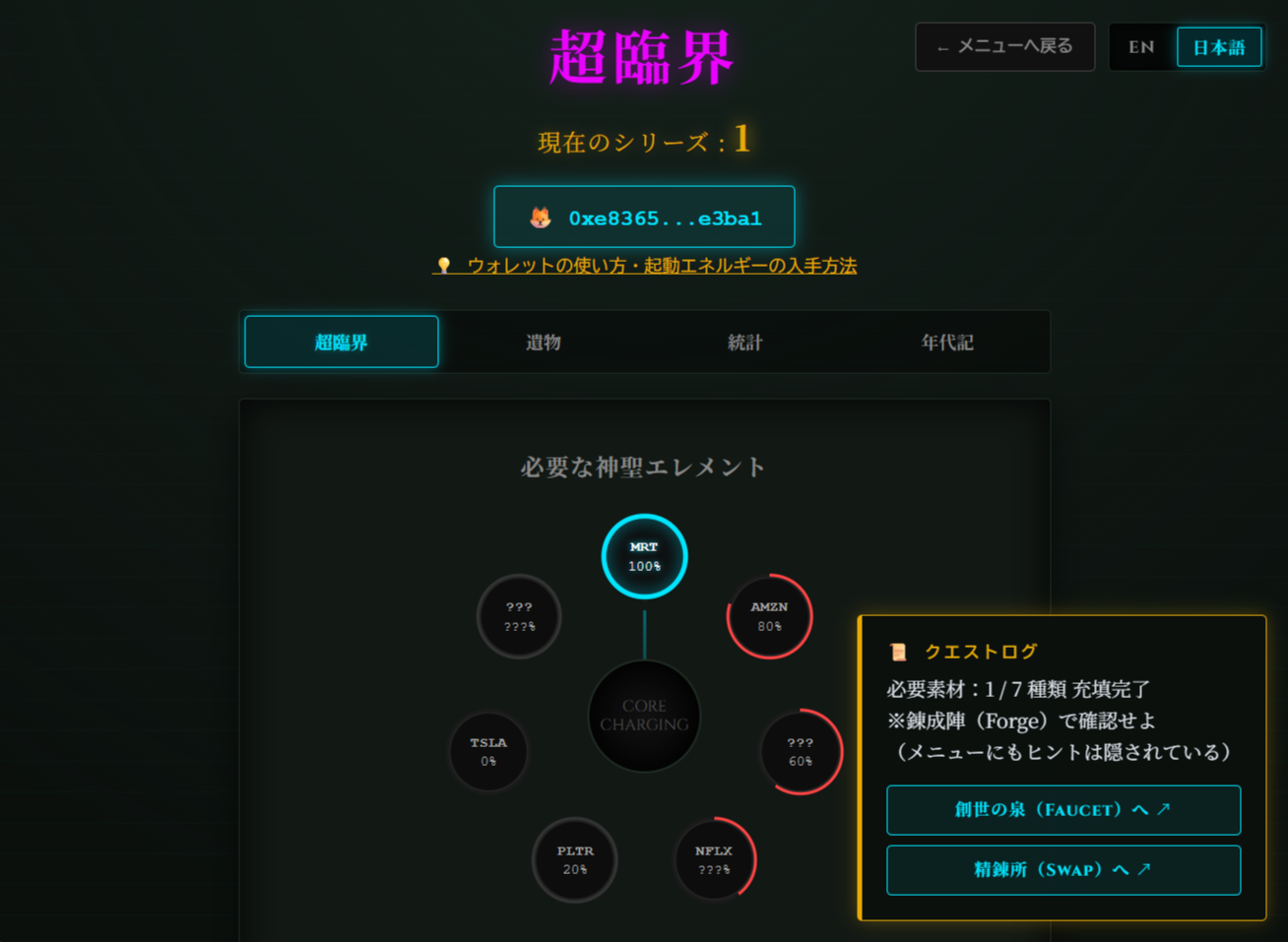
これらをヒントに超臨界(forge)に必要なエレメントを集めてください:
- メニューページ下部のヒント
- 「創世の錬成陣(超臨界)」ページの必要な神聖エレメント
- 画面右下のクエストログ
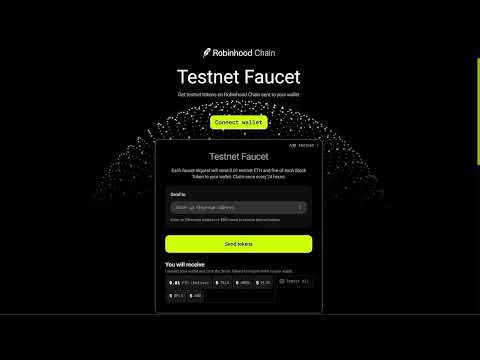
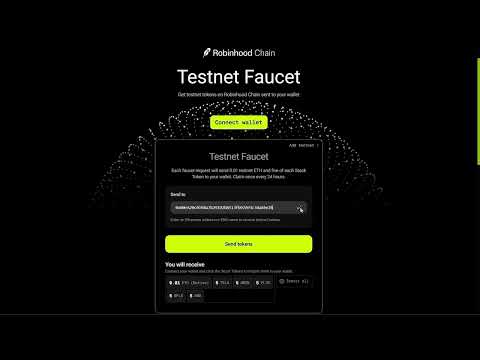
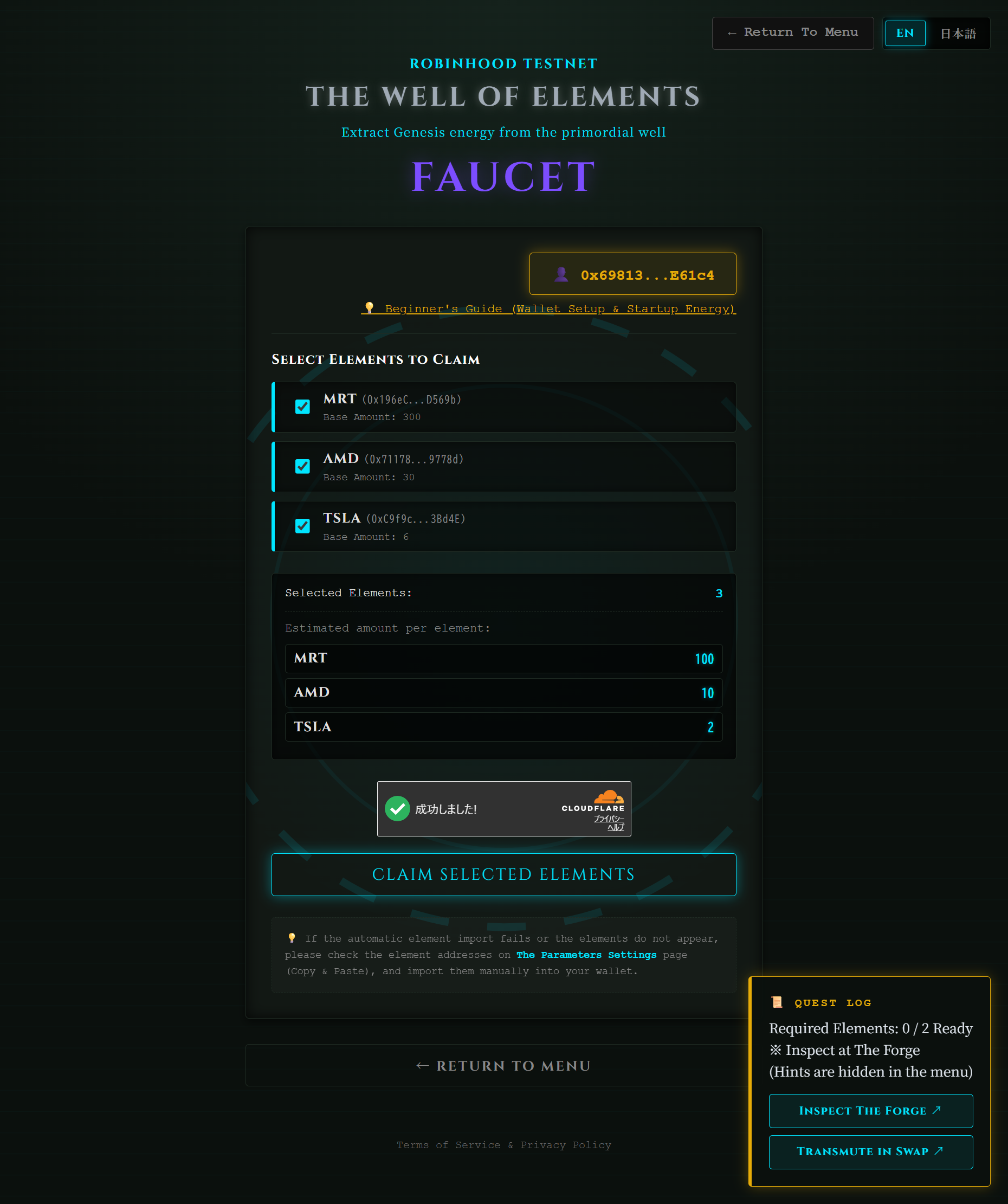
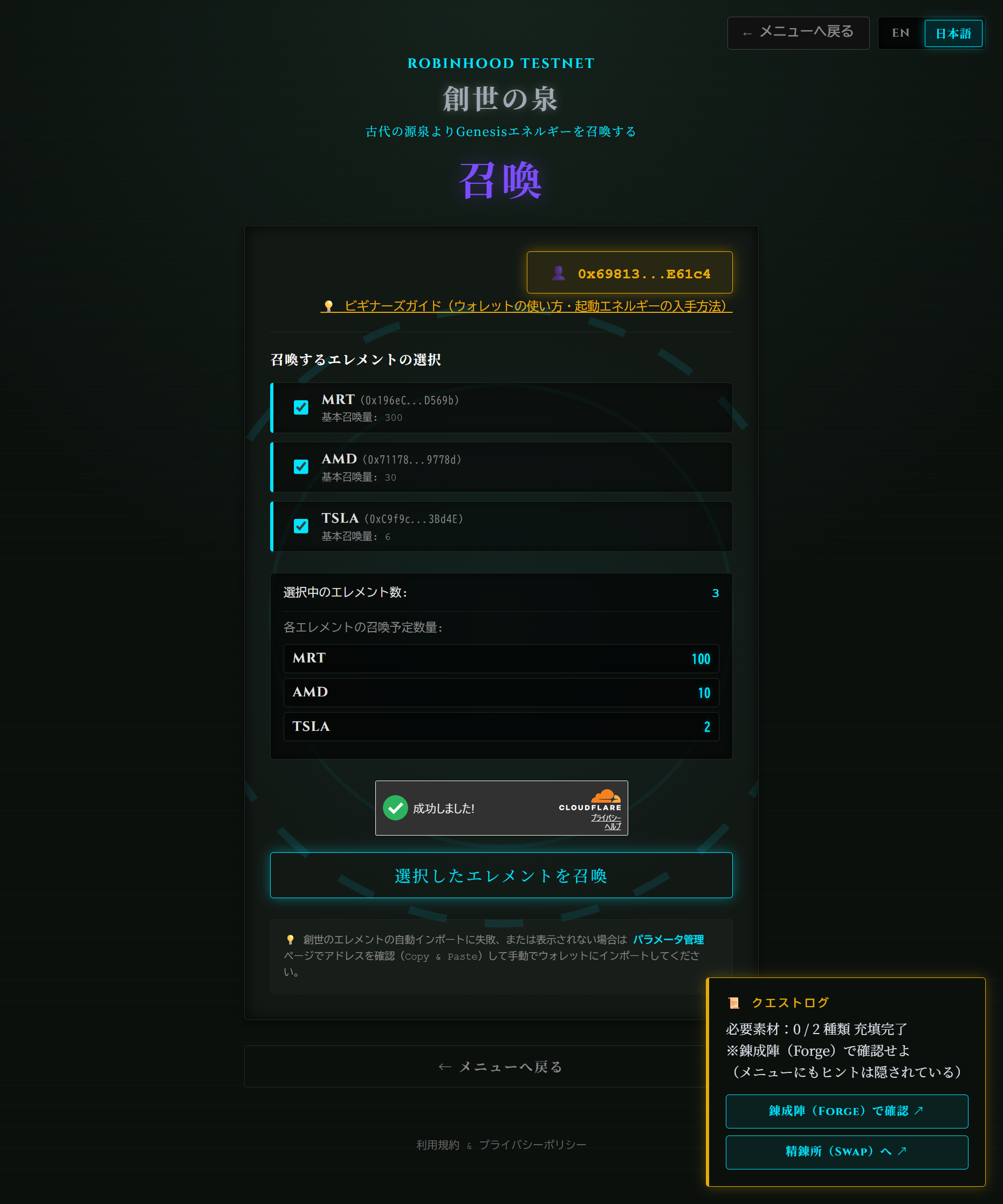
Summon Genesis Elements: エレメントを召喚する:
- Select the desired elements from the list. 欲しいエレメントを選択する。
- Click "CLAIM SELECTED ELEMENTS". [選択したエレメントを召喚] ボタンをクリックする。
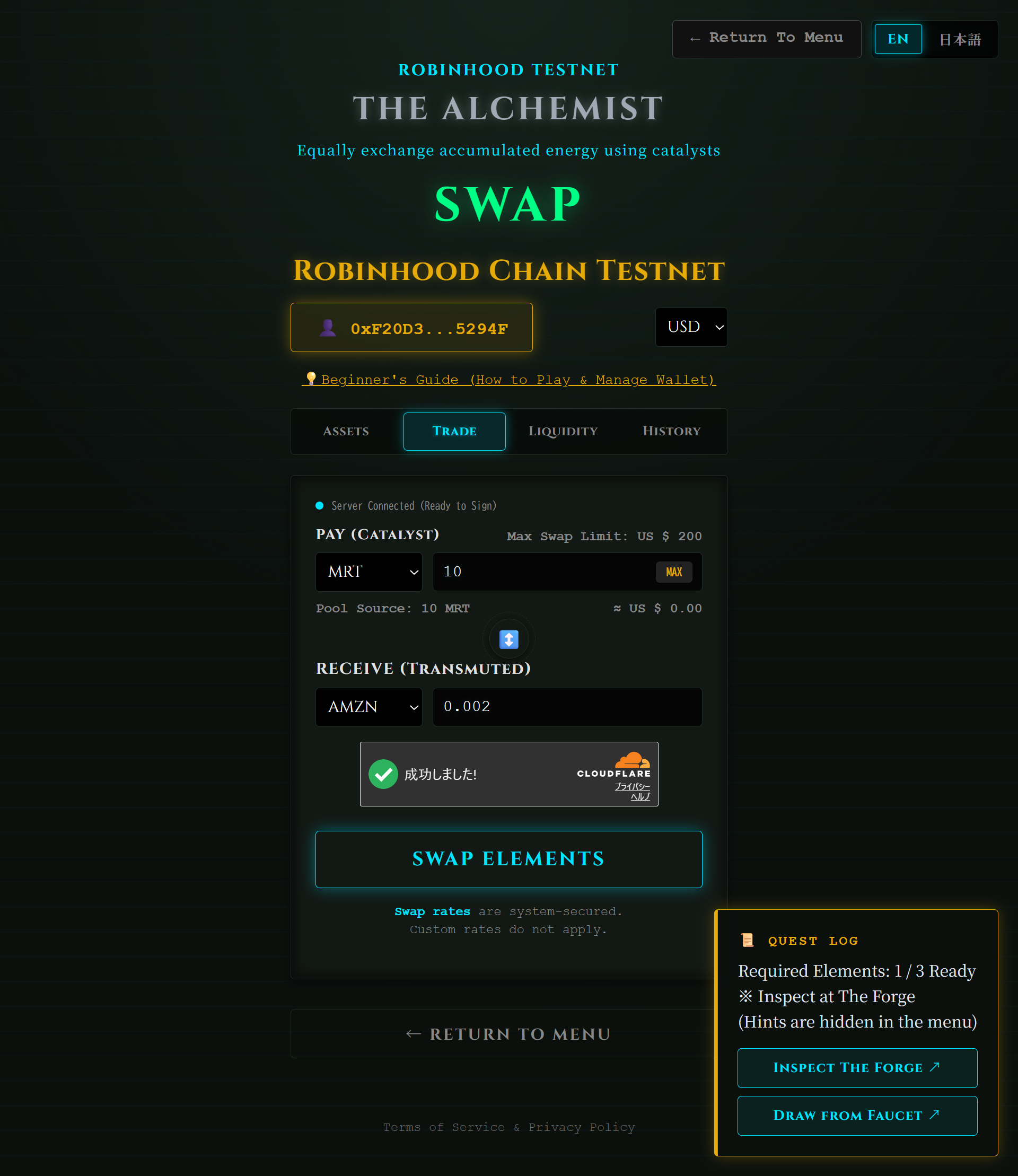
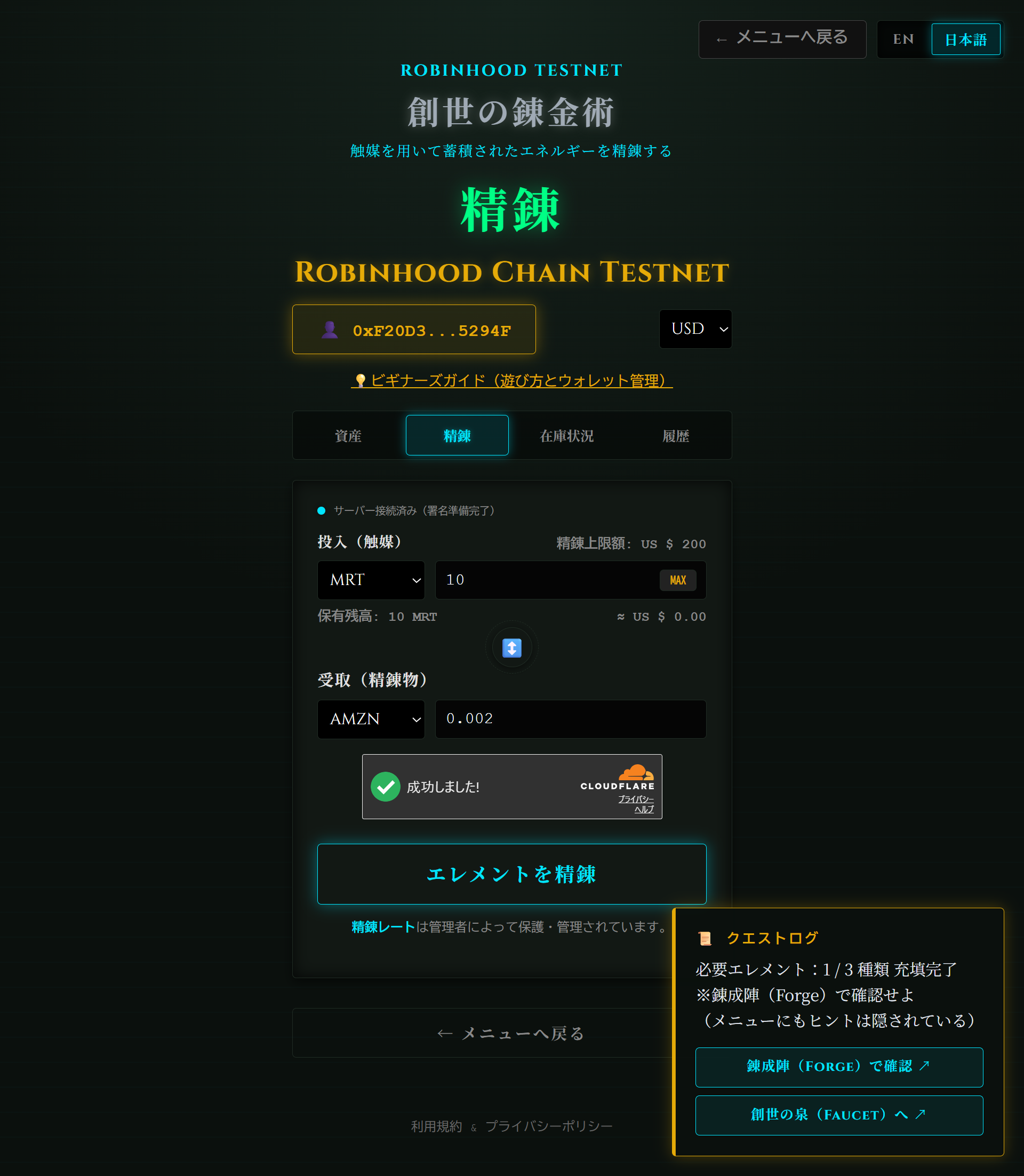
Exchange Genesis Elements: エレメントを交換する:
- Open TRADE tab. 精錬タブを開く。
- In PAY, enter the amount and element to offer. 投入の欄に精錬に投入するエレメントを入力する。
- In RECEIVE, select the element you want to receive. 受取の欄に欲しいエレメントを入力する。
- Click "SWAP ELEMENTS". [エレメントを精錬] ボタンをクリックする。
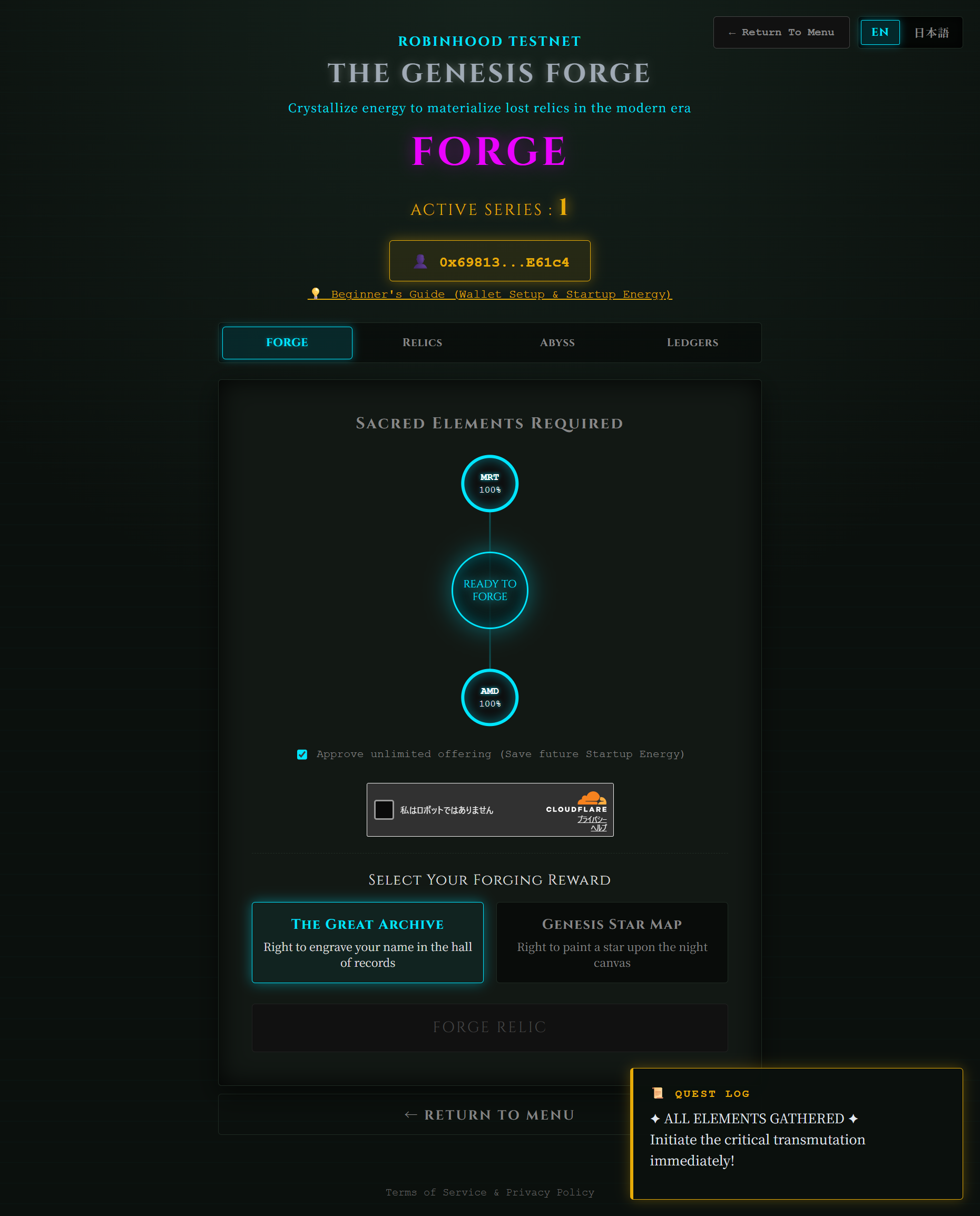
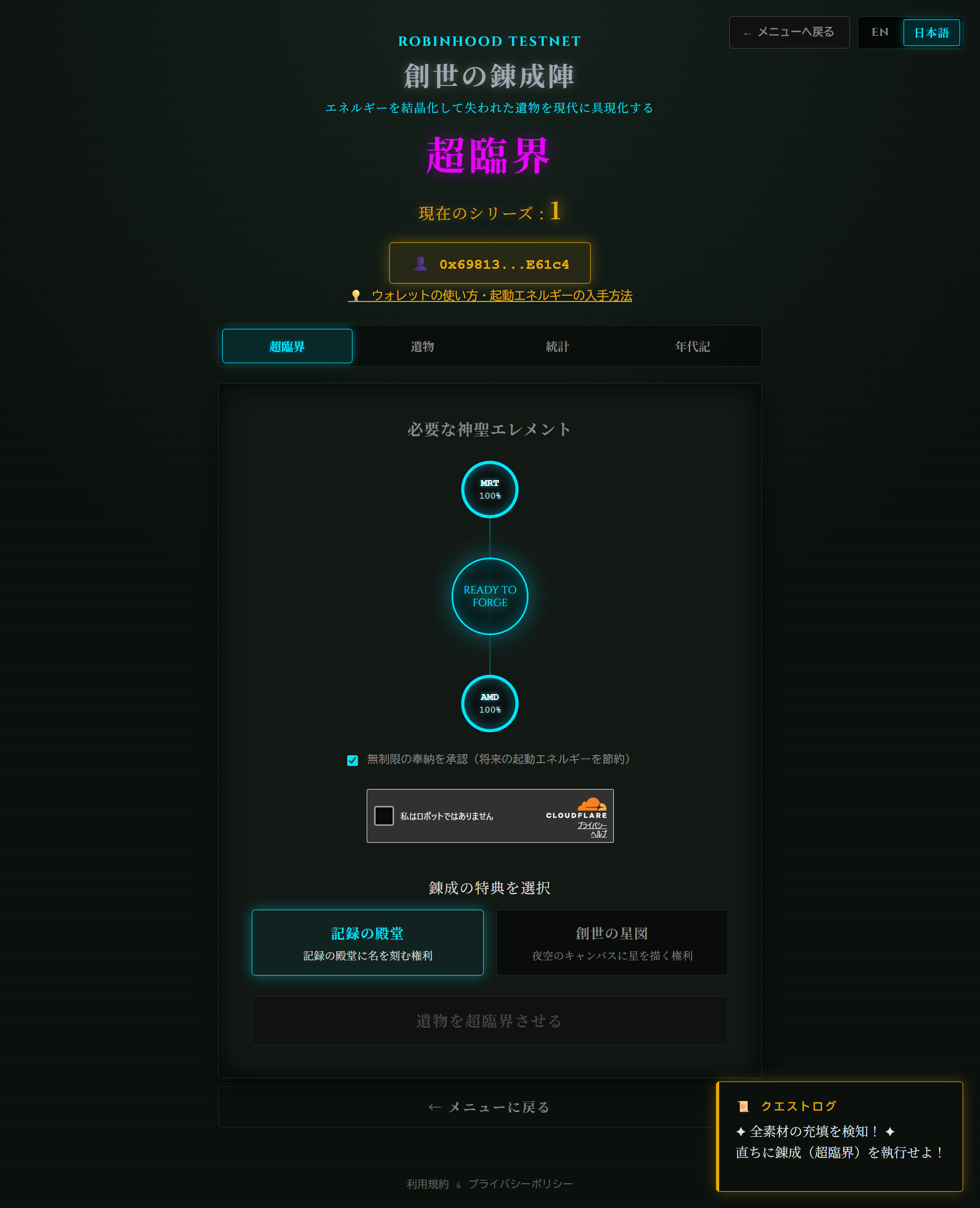
Forge Relic & Earn Credits: エレメントを錬成(forge)してクレジットを獲得する:
- Open FORGE tab. 超臨界タブを開く。
-
Select your reward destination:
特典を選択する:
- The Hall of Records 記録の殿堂(The Hall of Records)
- STAR MAP STAR MAP【創世の星図】
- Click "FORGE RELIC". [遺物を超臨界させる] ボタンをクリックする。
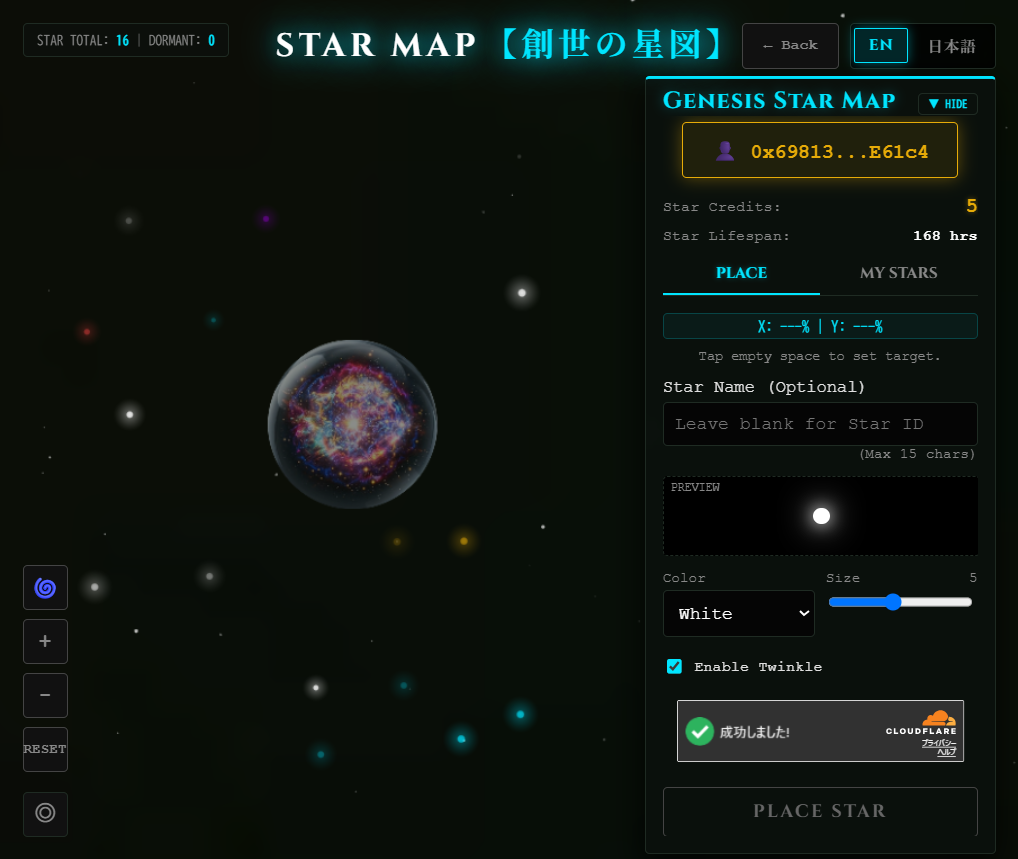
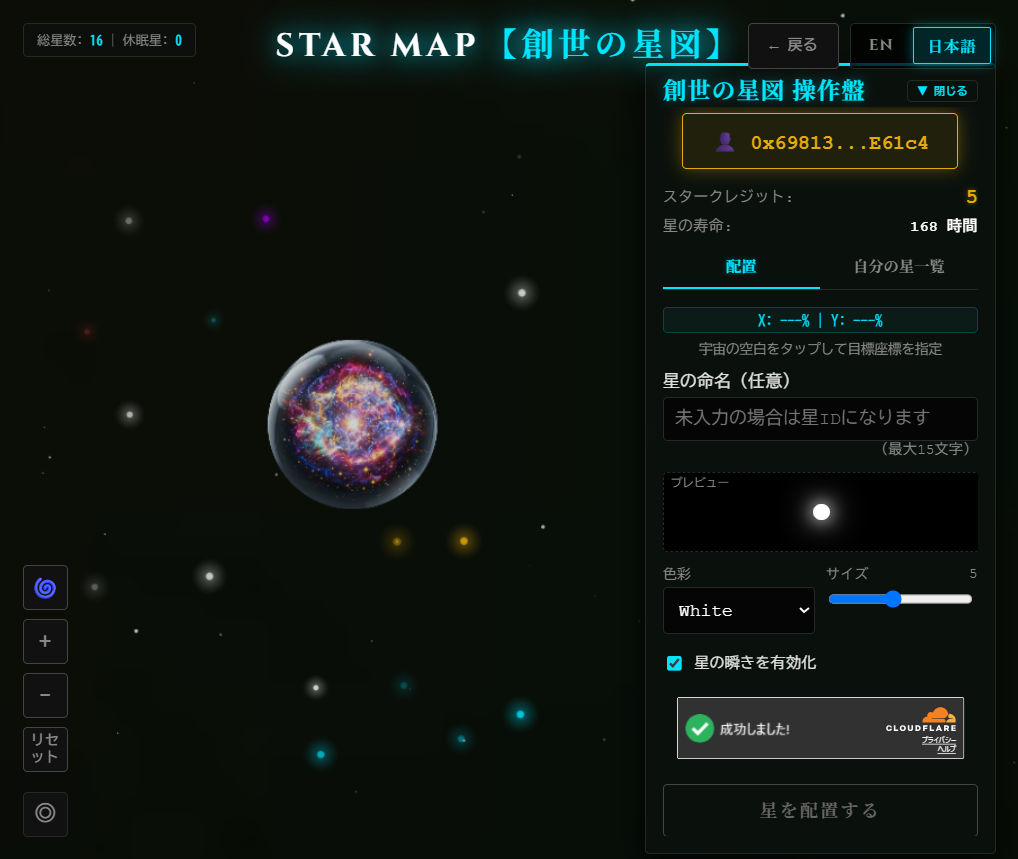
Place Your Star: 星を描く:
-
Configure your star parameters:
星の設定をする:
- Star Name 星の命名(Star Name)
- Color 色彩(Color)
- Size 大きさ(Size)
- Twinkle 星の瞬き(Twinkle)
- Click "PLACE STAR". [星を配置する] をクリックする。
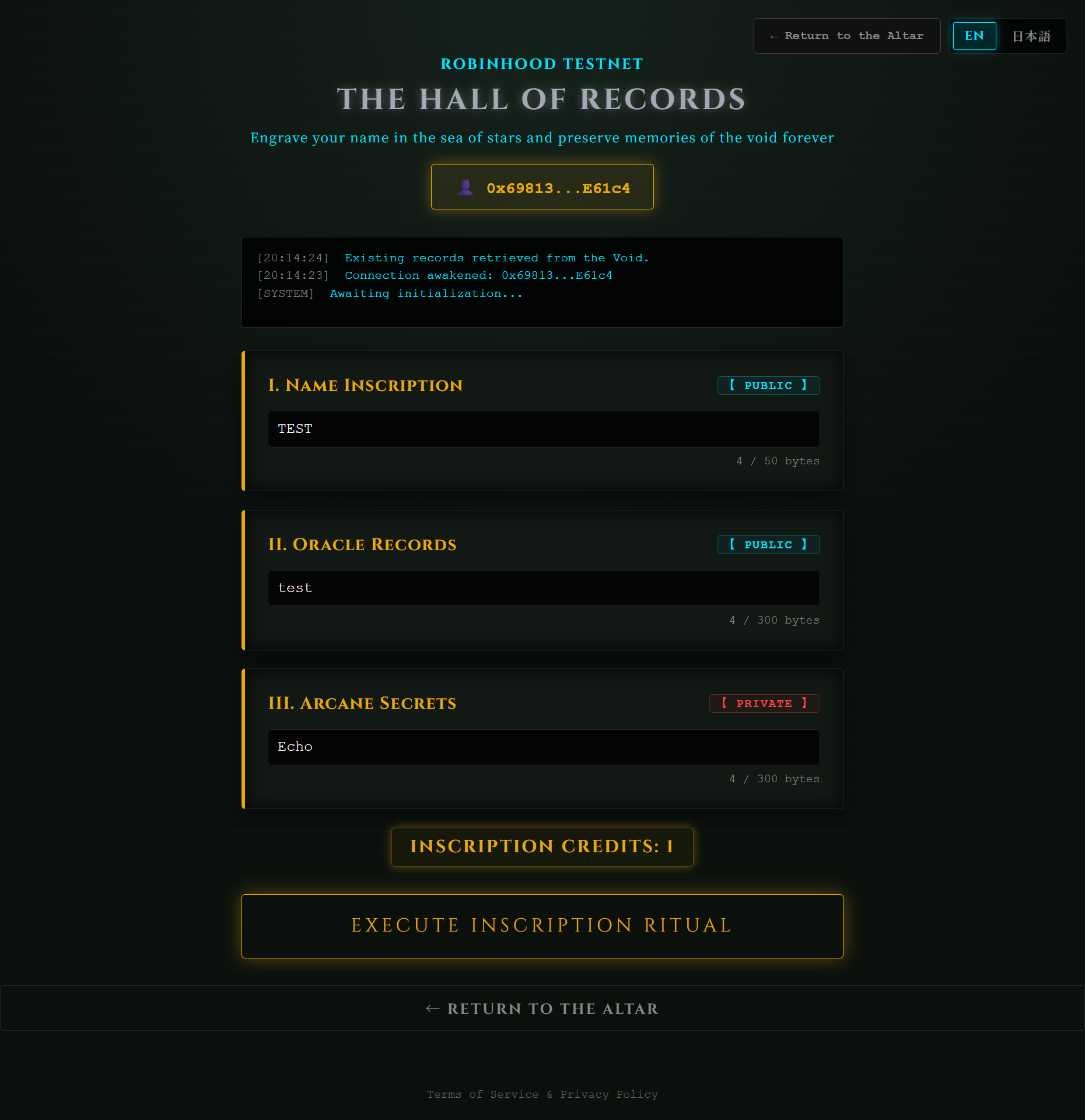
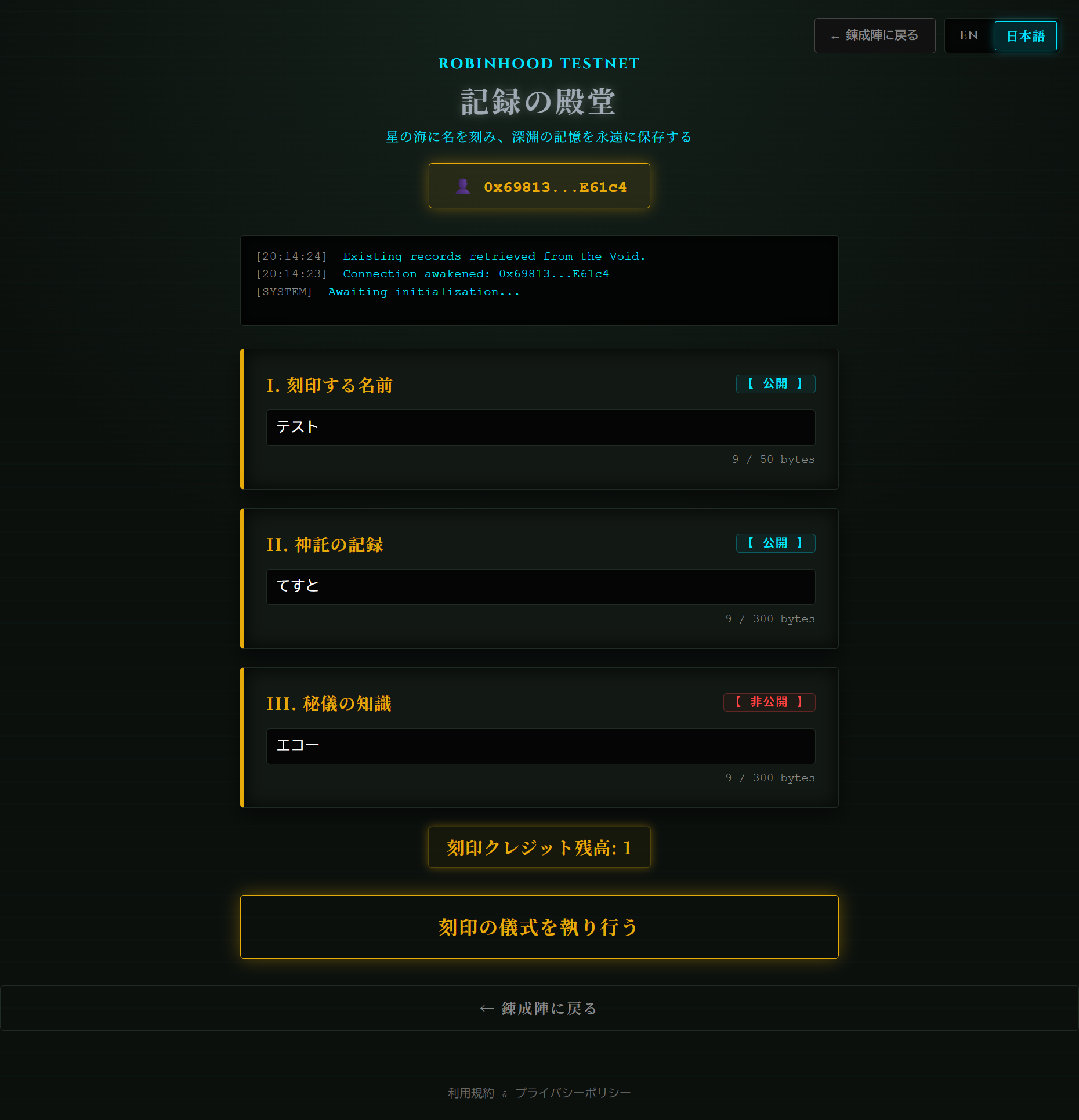
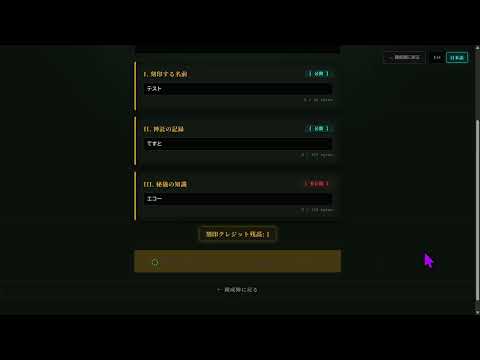
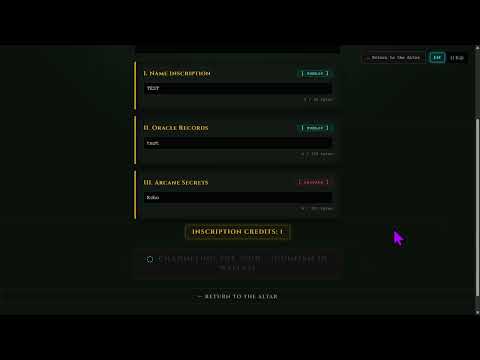
Engrave Records: 永遠の記録を刻む:
-
Enter your data:
データを入力する:
- Name Inscription 刻印する名前(Name Inscription)
- Oracle Records 神託の記録(Oracle Records)
- Arcane Secrets (*Optional) 秘儀の知識(Arcane Secrets)*任意
- Click "EXECUTE INSCRIPTION RITUAL". [刻印の儀式を執り行う] をクリックする。
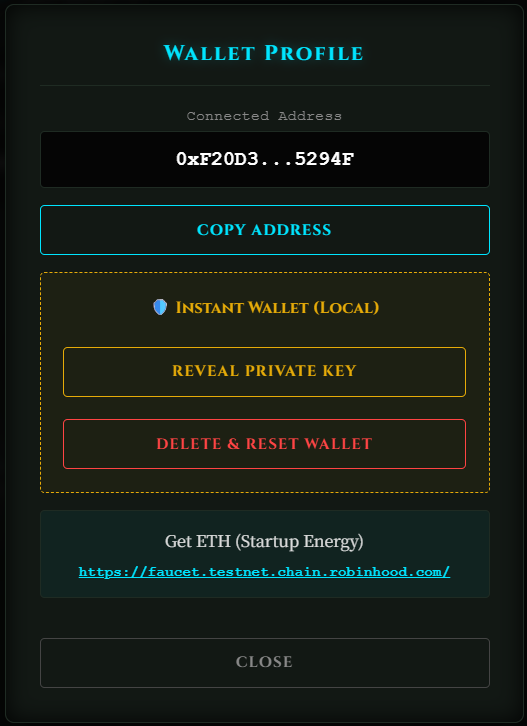
The automatically created Instant Wallet is temporarily stored in your browser. If you clear your browser history or cache, your wallet and assets will be lost!
Click your wallet address (0x...) to open the profile menu:
- Copy Address:
The public address you share to receive tokens. - Reveal Private Key:
Your master password. Copy and save this in a secure place. NEVER share it with anyone. - Delete & Reset Wallet:
Destroys the current wallet to create a new one. *Lost assets cannot be restored without a backup.
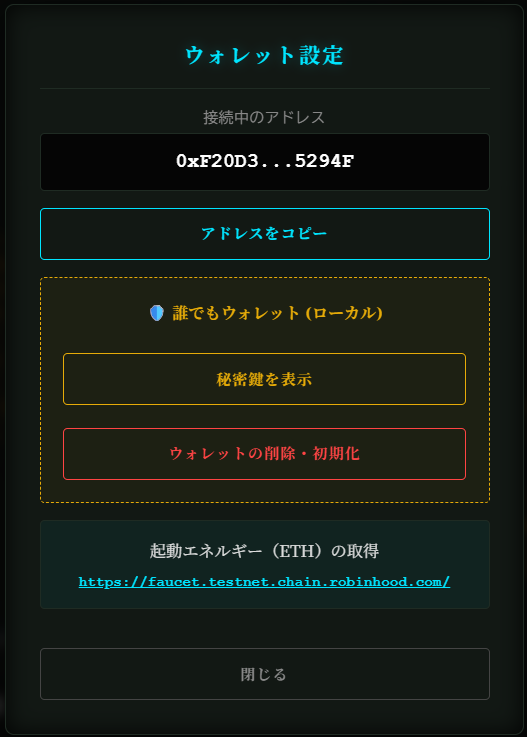
自動作成された「誰でもウォレット」は、現在ご利用中のブラウザの中に一時保存されています。ブラウザの履歴やキャッシュを消去すると中身の資産ごと消えてしまいます!
ウォレットアドレス(0x...)をクリックすると管理メニューが開きます:
- アドレスをコピー:
エレメント等を受け取るときに相手に教える口座番号です。 - 秘密鍵の表示:
お財布の「マスターパスワード」です。安全なメモ帳等に保存しておけば、後からMetaMask等に復元できます。絶対に他人に教えないでください。 - ウォレットの削除・初期化:
現在のウォレットを破棄して作り直します。※秘密鍵を保存していない場合、資産は二度と取り戻せなくなります。


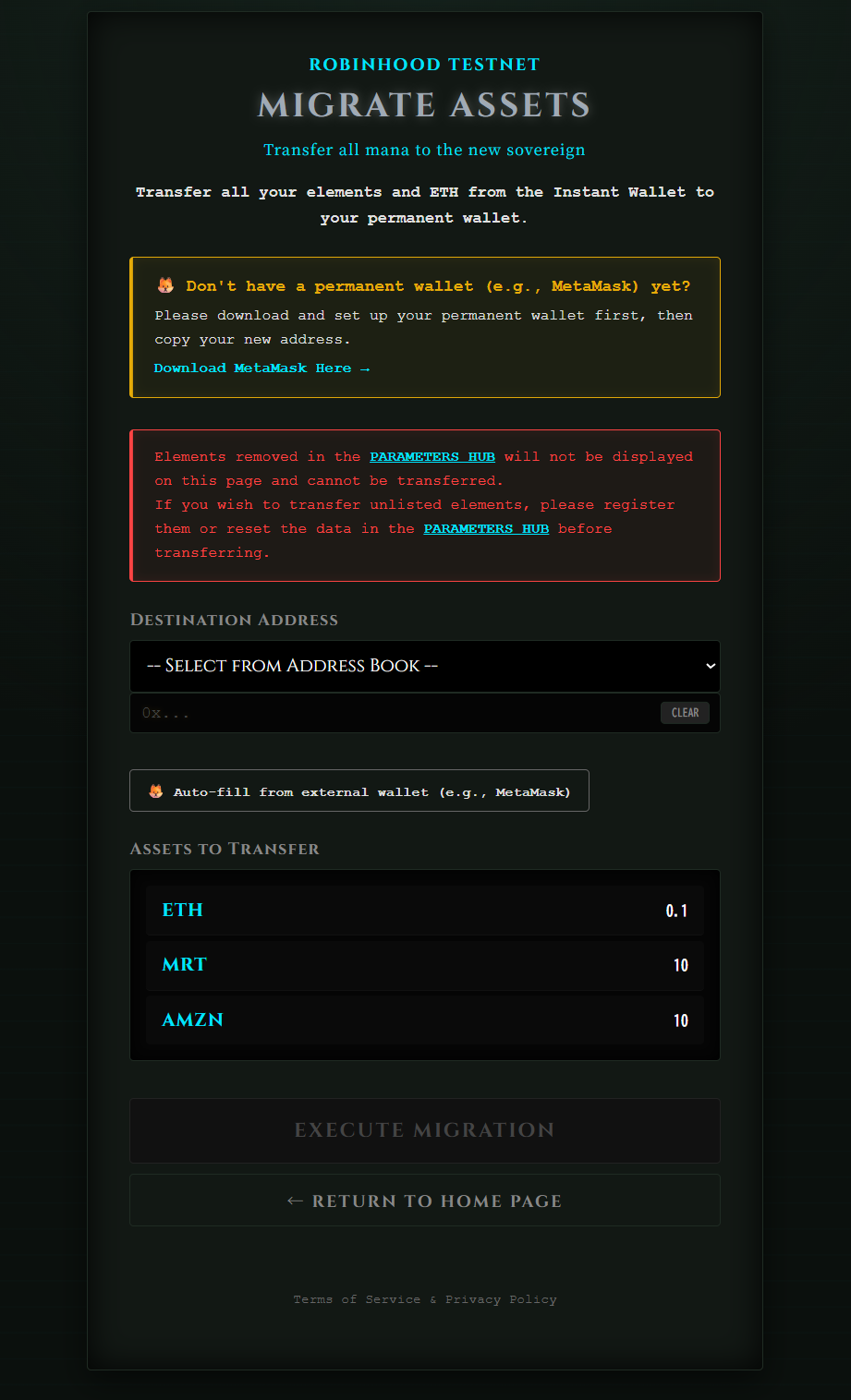
When upgrading from the temporary Instant Wallet to a permanent Web3 wallet (e.g., MetaMask), do not directly import your private key for optimal security.
Instead, use our dedicated Asset Migration Page to transfer all your tokens and remaining ETH to your new safe address in a single step.
- Enter the DESTINATION ADDRESS.
- Click "EXECUTE MIGRATION".
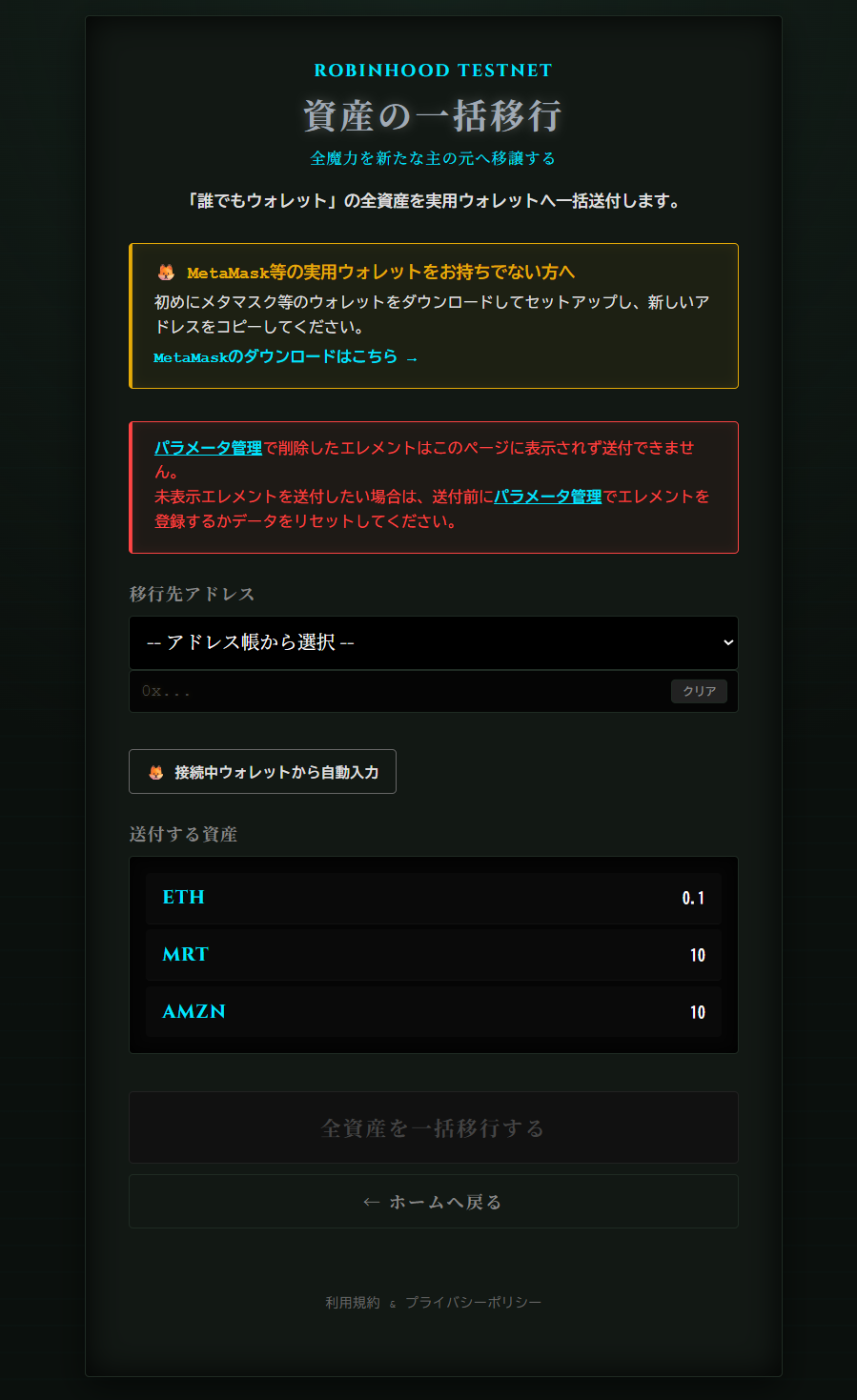
「誰でもウォレット」からMetaMaskなどの実用ウォレットへ移行する際、セキュリティ上の理由から、「誰でもウォレット」の秘密鍵をMetaMaskへ直接インポートすることは推奨されません。
代わりに専用の「資産一括送付ページ」を利用して、保有しているすべての創世のエレメントと残ったETHを、新しく作った安全なアドレスへ丸ごと引っ越しさせてください。
- 移送先アドレス(DESTINATION ADDRESS)を入力する。
- [全資産を一括移行する(EXECUTE MIGRATION)] ボタンをクリックする。